Layout Style 1
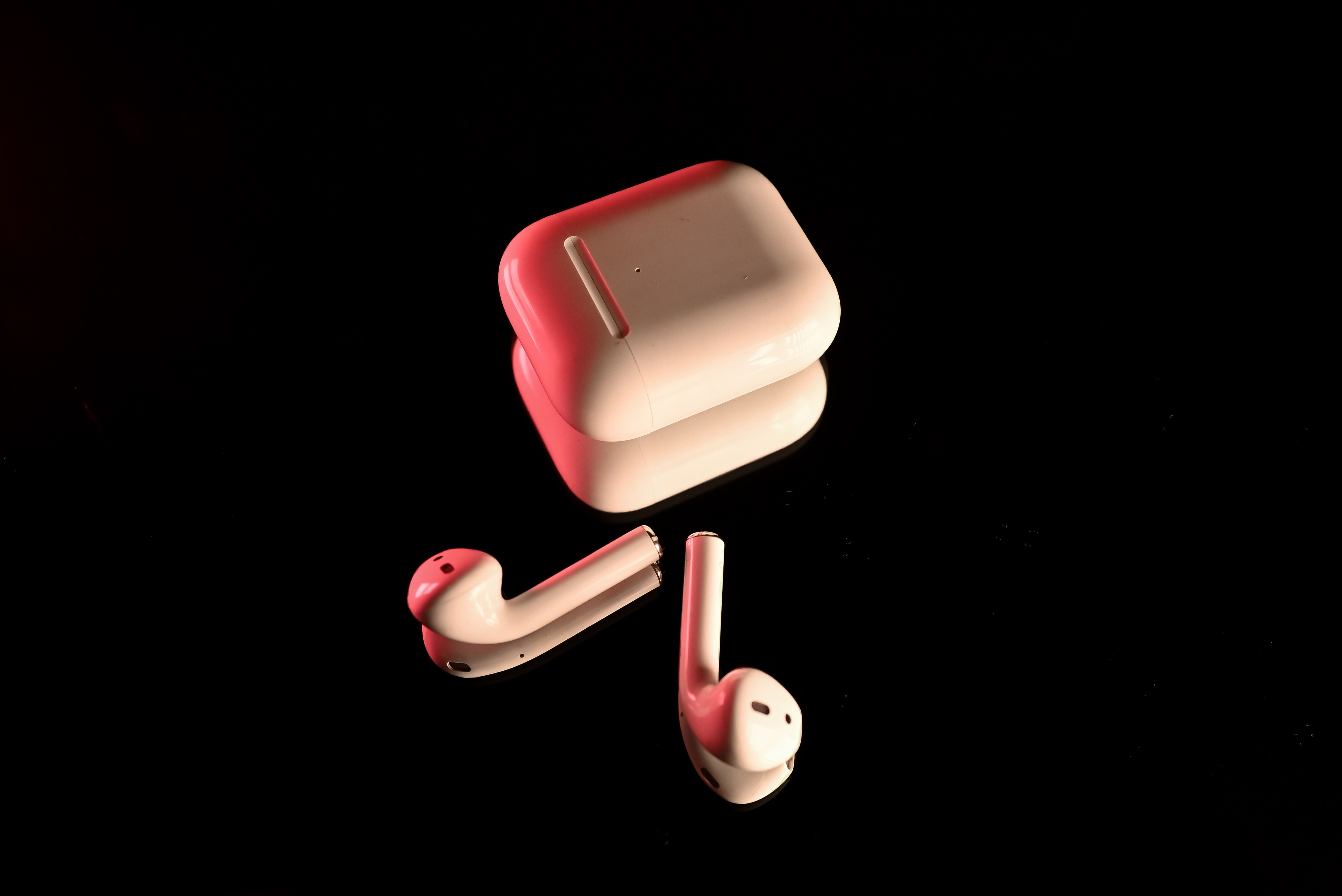
Wireless Earbuds
- Crystal-clear sound quality
- Active noise cancellation
- Fast charging support
Web Development
Social
Apps
Mobile App Development
- Android & iOS applications
- User-friendly interface
- Scalable architecture
Pro
Video
Apps
Mobile App Development
- Android & iOS applications
- User-friendly interface
- Scalable architecture
Layout Style 2
Wireless Earbuds
- Crystal-clear sound quality
- Active noise cancellation
- Fast charging support

Web Development
Social
Apps
Mobile App Development
- Android & iOS applications
- User-friendly interface
- Scalable architecture

Pro
Video
Apps
Mobile App Development
- Android & iOS applications
- User-friendly interface
- Scalable architecture
Layout Style 3
Wireless Earbuds
- Crystal-clear sound quality
- Active noise cancellation
- Fast charging support
Web Development
Social
Apps
Mobile App Development
- Android & iOS applications
- User-friendly interface
- Scalable architecture
Pro
Video
Apps
Mobile App Development
- Android & iOS applications
- User-friendly interface
- Scalable architecture
Layout Style 4: Pro Tabs
Ready to upgrade your HubSpot site?
Install free & paid modules in seconds, or unlock premium themes and modules to ship faster.
Ready to upgrade your HubSpot site?
Install free & paid modules in seconds, or unlock premium themes and modules to ship faster.
Ready to upgrade your HubSpot site?
Install free & paid modules in seconds, or unlock premium themes and modules to ship faster.
Layout Style 5 Pro Tabs
Ready to upgrade your HubSpot site?
Install free & paid modules in seconds, or unlock premium themes and modules to ship faster.
Ready to upgrade your HubSpot site?
Install free & paid modules in seconds, or unlock premium themes and modules to ship faster.
Ready to upgrade your HubSpot site?
Install free & paid modules in seconds, or unlock premium themes and modules to ship faster.
Ready to upgrade your HubSpot site?
Install free & paid modules in seconds, or unlock premium themes and modules to ship faster.
Ready to upgrade your HubSpot site?
Install free & paid modules in seconds, or unlock premium themes and modules to ship faster.
Ready to upgrade your HubSpot site?
Install free & paid modules in seconds, or unlock premium themes and modules to ship faster.
Layout Style 6 Pro Tabs
Ready to upgrade your HubSpot site?
Install free & paid modules in seconds, or unlock premium themes and modules to ship faster.
Ready to upgrade your HubSpot site?
Install free & paid modules in seconds, or unlock premium themes and modules to ship faster.
Ready to upgrade your HubSpot site?
Install free & paid modules in seconds, or unlock premium themes and modules to ship faster.
Ready to upgrade your HubSpot site?
Install free & paid modules in seconds, or unlock premium themes and modules to ship faster.
Ready to upgrade your HubSpot site?
Install free & paid modules in seconds, or unlock premium themes and modules to ship faster.
Ready to upgrade your HubSpot site?
Install free & paid modules in seconds, or unlock premium themes and modules to ship faster.
Ready to upgrade your HubSpot site?
Install free & paid modules in seconds, or unlock premium themes and modules to ship faster.
Ready to upgrade your HubSpot site?
Install free & paid modules in seconds, or unlock premium themes and modules to ship faster.
Ready to upgrade your HubSpot site?
Install free & paid modules in seconds, or unlock premium themes and modules to ship faster.
Layout Style 7 Pro Tabs
Ready to upgrade your HubSpot site?
Install free & paid modules in seconds, or unlock premium themes and modules to ship faster.
Ready to upgrade your HubSpot site?
Install free & paid modules in seconds, or unlock premium themes and modules to ship faster.
Ready to upgrade your HubSpot site?
Install free & paid modules in seconds, or unlock premium themes and modules to ship faster.
Ready to upgrade your HubSpot site?
Install free & paid modules in seconds, or unlock premium themes and modules to ship faster.
Ready to upgrade your HubSpot site?
Install free & paid modules in seconds, or unlock premium themes and modules to ship faster.
Ready to upgrade your HubSpot site?
Install free & paid modules in seconds, or unlock premium themes and modules to ship faster.
Ready to upgrade your HubSpot site?
Install free & paid modules in seconds, or unlock premium themes and modules to ship faster.
Ready to upgrade your HubSpot site?
Install free & paid modules in seconds, or unlock premium themes and modules to ship faster.
Ready to upgrade your HubSpot site?
Install free & paid modules in seconds, or unlock premium themes and modules to ship faster.
Layout Style 8 Pro Tabs
Ready to upgrade your HubSpot site?
Install free & paid modules in seconds, or unlock premium themes and modules to ship faster.
Ready to upgrade your HubSpot site?
Install free & paid modules in seconds, or unlock premium themes and modules to ship faster.
Ready to upgrade your HubSpot site?
Install free & paid modules in seconds, or unlock premium themes and modules to ship faster.
Ready to upgrade your HubSpot site?
Install free & paid modules in seconds, or unlock premium themes and modules to ship faster.
Ready to upgrade your HubSpot site?
Install free & paid modules in seconds, or unlock premium themes and modules to ship faster.
Ready to upgrade your HubSpot site?
Install free & paid modules in seconds, or unlock premium themes and modules to ship faster.
Ready to upgrade your HubSpot site?
Install free & paid modules in seconds, or unlock premium themes and modules to ship faster.
Ready to upgrade your HubSpot site?
Install free & paid modules in seconds, or unlock premium themes and modules to ship faster.
Ready to upgrade your HubSpot site?
Install free & paid modules in seconds, or unlock premium themes and modules to ship faster.
Layout Style 9 Pro Tabs
Ready to upgrade your HubSpot site?
Install free & paid modules in seconds, or unlock premium themes and modules to ship faster.
Ready to upgrade your HubSpot site?
Install free & paid modules in seconds, or unlock premium themes and modules to ship faster.
Ready to upgrade your HubSpot site?
Install free & paid modules in seconds, or unlock premium themes and modules to ship faster.
Ready to upgrade your HubSpot site?
Install free & paid modules in seconds, or unlock premium themes and modules to ship faster.
Ready to upgrade your HubSpot site?
Install free & paid modules in seconds, or unlock premium themes and modules to ship faster.
Ready to upgrade your HubSpot site?
Install free & paid modules in seconds, or unlock premium themes and modules to ship faster.
Ready to upgrade your HubSpot site?
Install free & paid modules in seconds, or unlock premium themes and modules to ship faster.
Ready to upgrade your HubSpot site?
Install free & paid modules in seconds, or unlock premium themes and modules to ship faster.
Ready to upgrade your HubSpot site?
Install free & paid modules in seconds, or unlock premium themes and modules to ship faster.
Layout Style 10 Pro Tabs
Featured Products
Ready to upgrade your HubSpot site?
Install free & paid modules in seconds, or unlock premium themes and modules to ship faster.
Ready to upgrade your HubSpot site?
Install free & paid modules in seconds, or unlock premium themes and modules to ship faster.
Ready to upgrade your HubSpot site?
Install free & paid modules in seconds, or unlock premium themes and modules to ship faster.
Featured Products
Ready to upgrade your HubSpot site?
Install free & paid modules in seconds, or unlock premium themes and modules to ship faster.
Ready to upgrade your HubSpot site?
Install free & paid modules in seconds, or unlock premium themes and modules to ship faster.
Ready to upgrade your HubSpot site?
Install free & paid modules in seconds, or unlock premium themes and modules to ship faster.
Featured Products
Ready to upgrade your HubSpot site?
Install free & paid modules in seconds, or unlock premium themes and modules to ship faster.
Ready to upgrade your HubSpot site?
Install free & paid modules in seconds, or unlock premium themes and modules to ship faster.
Ready to upgrade your HubSpot site?
Install free & paid modules in seconds, or unlock premium themes and modules to ship faster.
Layout Style 11 Pro Tabs
Web Development
Social
Pro
Video
Video Tutorials
Learn MoreSetup & Layout Configuration Guide - Dynamic Tabs Pro
Welcome to the Setup & Layout Configuration Guide for the Dynamic Tabs Pro module. This guide walks you through configuring layout modes, styling cards/navigation, and inputting content using the HubSpot Page Editor.
1. Core Layout Configuration
Locate the Layout Mode dropdown at the top of the module options:
- Tabs Layout (Default): Renders an interactive tab menu. Users click buttons to toggle groups of cards.
- Unified Cards Grid: Ignores tabs and displays all cards from all categories together in a single continuous grid.
- Grouped Cards Grid: Displays all categories on the page, each separated by category header titles and icons.
2. Tab Navigation Customization
(Only active when "Layout Mode" is set to "Tabs Layout")
Open the Tab Navigation Style group to customize:
- Tab Position & Alignment:
- Horizontal Options: Top Left, Top Center, Top Right, Bottom Left, Bottom Center, Bottom Right.
- Vertical Sidebar Options: Left Sidebar (Vertical layout) or Right Sidebar (Vertical layout).
- Tab Colors: Customize both normal state and Active State background and text colors.
- Typography & Shape: Change button font size, font weight (Regular to Bold), and border radius.
- Tab Button Hover Effect:
None: Static button.Move Up (Lift): Tab shifts up slightly on hover.Scale Up (Grow): Tab zooms in slightly on hover.
3. Card Layout & Styling
Open the Card Style group to configure the card grid and aesthetics globally:
Grid & Shape Settings
- Card Layout: Select columns per row on Desktop (1 to 5 columns).
- Gap Between Cards: Adjust the spacing in pixels (e.g.
24px). - Card Padding: Inside spacing around title, description, and buttons (e.g.
24px). - Border Radius: Set roundness of cards (e.g.
12px). - Border Settings: Define card border width and border color.
Global Card Backgrounds
- Card Background Type:
Solid Color: Choose background color and opacity.Gradient: Configure linear gradient (Angle, Color 1, Color 2).Transparent: Remove background and borders for a modern borderless look.
- Enable Glassmorphic Backdrop Blur: Check this to apply a modern frosted-glass blur filter (
backdrop-filter).
Typography & Images
- Card Text Alignment: Set align to Left, Center, or Right.
- Title & Description Styles: Global options to set font sizes and colors.
- Image Height & Aspect Ratio: Set card image height in pixels, or force a strict aspect ratio (16:9, 4:3, 1:1, 2:3, or Auto).
- Card Hover Effect: Select from
None,Lift Up(smooth vertical elevation),Zoom Image(zooms image on hover), orGlow Border(neon glow using your active theme color).
Global Badge Settings
- Card Badge Alignment: Places badge at Left, Center, or Right of the card (handles overlay positioning on images and relative flex alignment on borderless cards).
- Card Badge Padding: Customize badge padding (e.g.
5px 14px). - Card Badge Border Radius: Set badge roundness (e.g.
99px for pill shapes).
4. Button Styling Options
Configure the default call-to-action button styling globally under Button Style (Global):
- Button Style Preset: Select
Solid,Outline,Transparent, orGradient. - Hover Animation Effect: Choose from
None,Scale Up (Grow),Shift Up (Lift), orNeon Shadow Glow. - Button Shape & Size: Control font size, padding, and border radius.
5. Adding Content (Tabs & Cards)
Open the Tabs & Categories repeater to add your folders and card contents.
Step A: Configure the Tab/Category
- Set the Category / Tab Label (e.g. "Services" or "Pricing").
- Set the Tab Icon (Supports emojis like 🚀 or FontAwesome/CSS icon classes like
fa fa-cog).
Step B: Add Cards to the Category
Add cards using the Cards inside this Tab/Category repeater:
- Card Background Image: Upload your graphic or photo. Turn off Show Image Section if you prefer a text-only card.
- Override Image Aspect Ratio: Override the global setting for this specific card image.
- Card Custom Background Type:
Inherit Global Style(Default): Uses your global card colors/gradients.Custom Solid Color: Set an individual card color.Custom Gradient: Set an individual card gradient.
- Card Badge: Add a highlight tag (e.g., "New", "Save 20%"). Customize individual badge color via Badge Color.
- Override Text Colors for this Card:
- Check this box to customize the Card Title Color and Card Description Color specifically for this card.
- Card Title & Description: Enter the title and use the rich text editor to format description copy.
- Card Button & Override Options:
- Enable Show Button and add text/link targets.
- Check Override Button Styling for this Card to customize button presets, gradient colors, or hover effects for this specific CTA.
6. Troubleshooting & Best Practices
- Card Global Backgrounds Not Showing?
- Check if individual cards have
Card Custom Background Typeset toCustom Solid ColororCustom Gradient. Set it back toInherit Global Styleto apply the global configuration.
- Check if individual cards have
- Badges Overflowing?
- Adjust the Card Badge Padding or Card Badge Alignment options to match your design. For narrow portrait aspect ratios (e.g., 2:3), Center or Left badges are recommended.
- Equal Heights?
- The module uses CSS Flexbox. Cards automatically expand to match the height of the tallest card in their row, keeping your grids beautifully aligned even if text lengths differ.
Ready to upgrade your HubSpot site?
Install free & paid modules in seconds, or unlock premium themes and modules to ship faster.